Pain point: A schedule image freezes your plan at the moment you post it, even though stream plans often change after that.
Practical takeaway: Keep the image if it helps your feed, but use a live schedule page as the trusted destination fans can check later.
A static image cannot correct old context
Weekly schedule images are useful for social feeds. They show your brand, your week, and your planned content in one visual post.
The problem starts after publishing. If one stream gets delayed, canceled, renamed, or moved to another platform, the old image is still sitting in bios, Discord threads, community posts, reposts, and screenshots.
That old context is not always obvious to a fan. They may see the image from a retweet, a Discord search result, a saved screenshot, or a YouTube description days after you already changed the plan.
Every repost becomes another place to fix
A creator usually announces a schedule in more than one place. That can mean X, Discord, Twitch panels, YouTube descriptions, community tabs, Bluesky, link-in-bio pages, and collab messages.
Once the image is duplicated across those surfaces, an update is no longer one task. It becomes a checklist of places where fans might still see the wrong version.
The more successful the image is, the harder this gets. Reposts and screenshots help reach, but they also create copies you cannot edit.
- A pinned post may show the old time
- A Discord announcement may keep the old image
- A YouTube description may point to the wrong weekly plan
- A fan screenshot may keep circulating after the update
Timezones make stale images harder to notice
If your audience is global, a small schedule change can cross day boundaries. A late-night stream for you might be the next morning for a fan somewhere else.
That means a stale image is not just a minor design issue. It can make a fan show up on the wrong day.
Daylight saving time adds another layer. A schedule image made weeks earlier may still look correct to you while a fan in another country is now seeing a different offset.
Use images for reach and a live page for accuracy
You do not need to stop making schedule graphics if they work for your community. Treat them as a promotional format, not the only source of truth.
Add a live schedule link anywhere fans may check later. The graphic can still look good in the feed, while the link gives fans the current answer when plans move.
A practical pattern is to post the image with a short line like Updated schedule lives here, then include the same schedule URL. If the image changes, the URL stays useful.
What to update when plans change
When a stream changes, update the live schedule first. Change the status to rescheduled or canceled, adjust the time, then post the explanation on social channels.
After that, edit the high-traffic places that can still be changed: pinned posts, Discord resource channels, Twitch panels, and YouTube descriptions. You cannot fix every repost, but you can make sure every important surface points to the live page.
- Update the stream status before posting the announcement
- Keep the same public schedule URL
- Edit bio and pinned surfaces that still point to an old image
- Use the image for reach and the live page for final details
Common questions
Should you delete old schedule images? Usually no. If they have replies or reach, leave them up and add a comment or follow-up pointing to the live schedule page.
Should the live page replace all images? Not necessarily. Images are good for discovery. A live page is better for accuracy, reminders, and late checks.
What if you only stream once a week? A stable page is still useful if fans are in different timezones or if your links stay in bios and descriptions for more than a few days.
The practical replacement
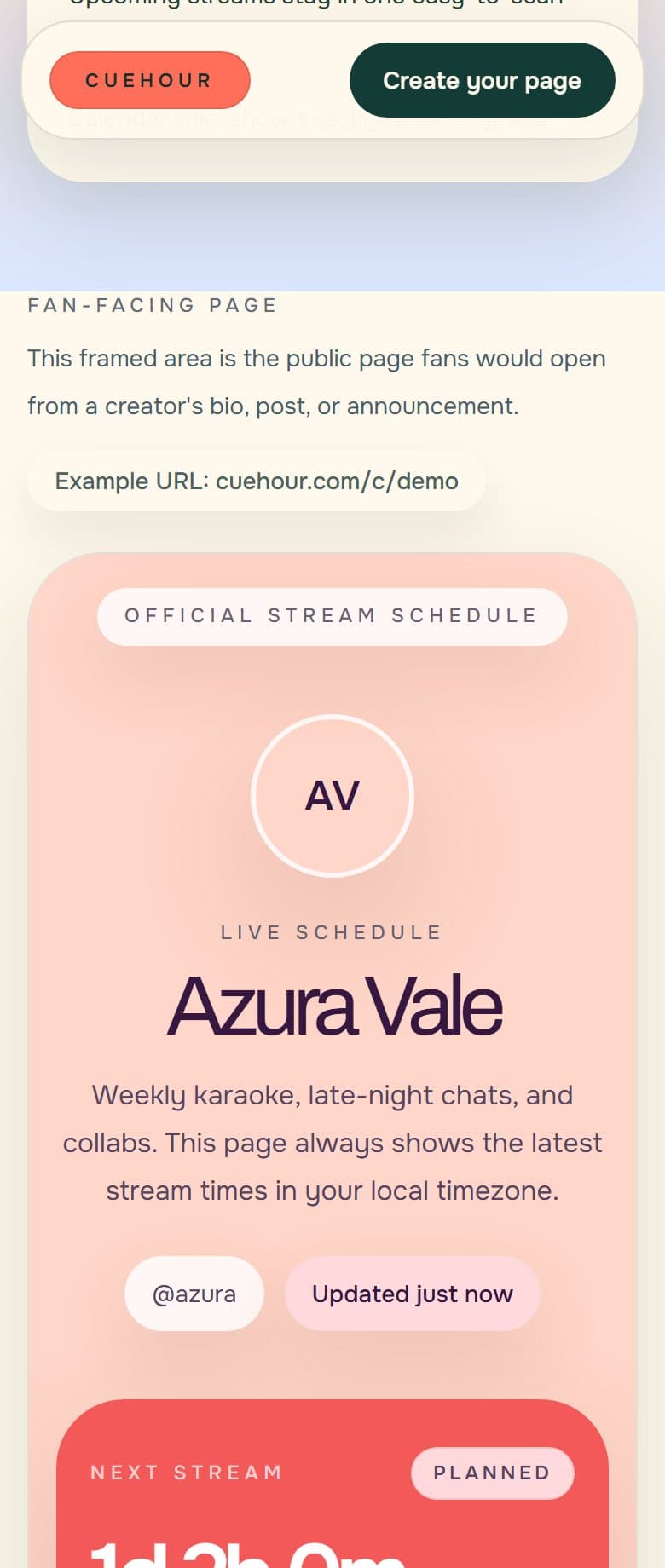
Cuehour is built for that split. You can share a stable public schedule page, update stream details from the studio, and let fans see local time and calendar reminders from the same URL.
Cuehour demo
See the schedule page fans open.
Open the live example to see local time, status, and reminder actions from the fan side. When you are ready, create your own free schedule page and share one stable link.
Keep reading
Creator workflow
How to Make a VTuber Stream Schedule Page
A practical guide to building one live VTuber schedule page that fans can open from any bio, post, or Discord announcement.
Timezone tips
How to Share Stream Times Across Time Zones
How to announce stream times for global fans without making viewers convert PST, EST, JST, GMT, or UTC by hand.