Stream schedule guides

Better schedule links for global fans.

Short, practical guides for creators who announce streams across YouTube, Twitch, Discord, X, and timezones.

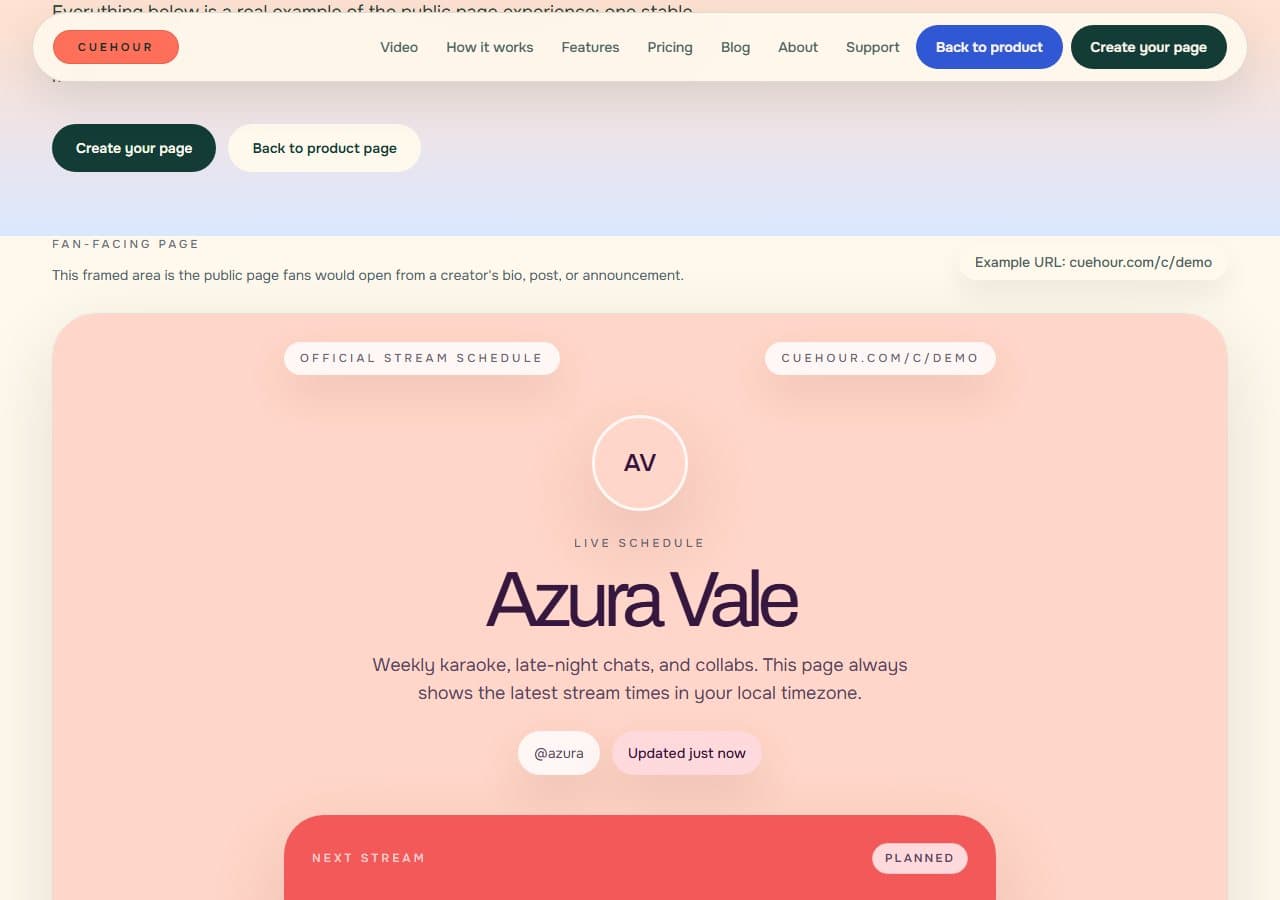
Cuehour demo schedule page showing a VTuber profile and next stream card

Creator workflow

How to Make a VTuber Stream Schedule Page

A practical guide to building one live VTuber schedule page that fans can open from any bio, post, or Discord announcement.

Pain: A weekly image is easy to share once, but it becomes hard to trust after a stream moves, gets canceled, or changes platform.

Takeaway: Your schedule page should act like the source of truth: one URL, current stream details, local time, and reminder actions.

7 min readVTubers and indie streamers
Read guide
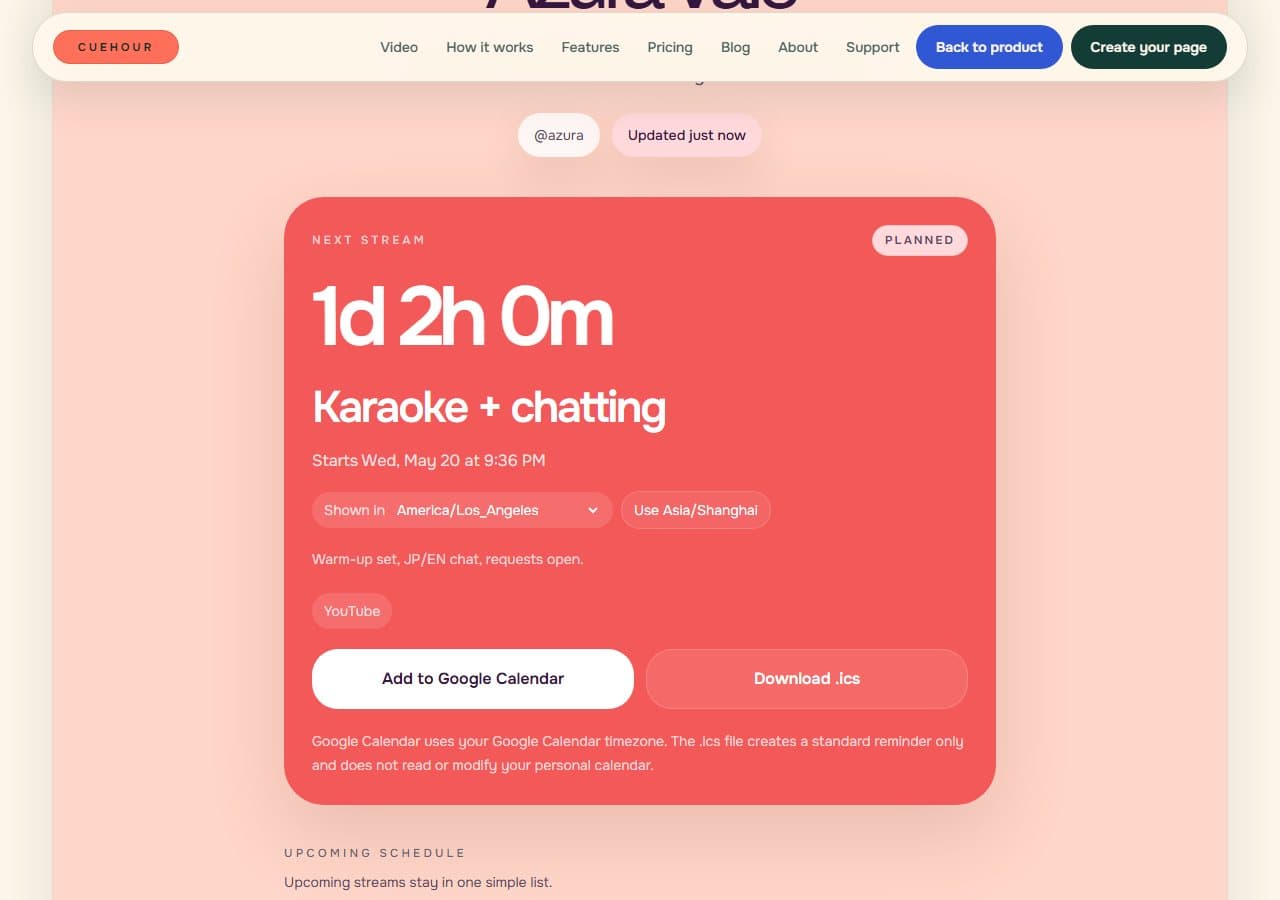
Cuehour demo schedule page showing a stream time converted to America/Los_Angeles

Timezone tips

How to Share Stream Times Across Time Zones

How to announce stream times for global fans without making viewers convert PST, EST, JST, GMT, or UTC by hand.

Pain: Timezone math creates small mistakes that cost real viewers: one copied time can be wrong, unclear, or easy to miss on mobile.

Takeaway: Use one source timezone for planning, then give fans a page that shows the stream in their own local time.

6 min readCreators with global fanbases
Read guide
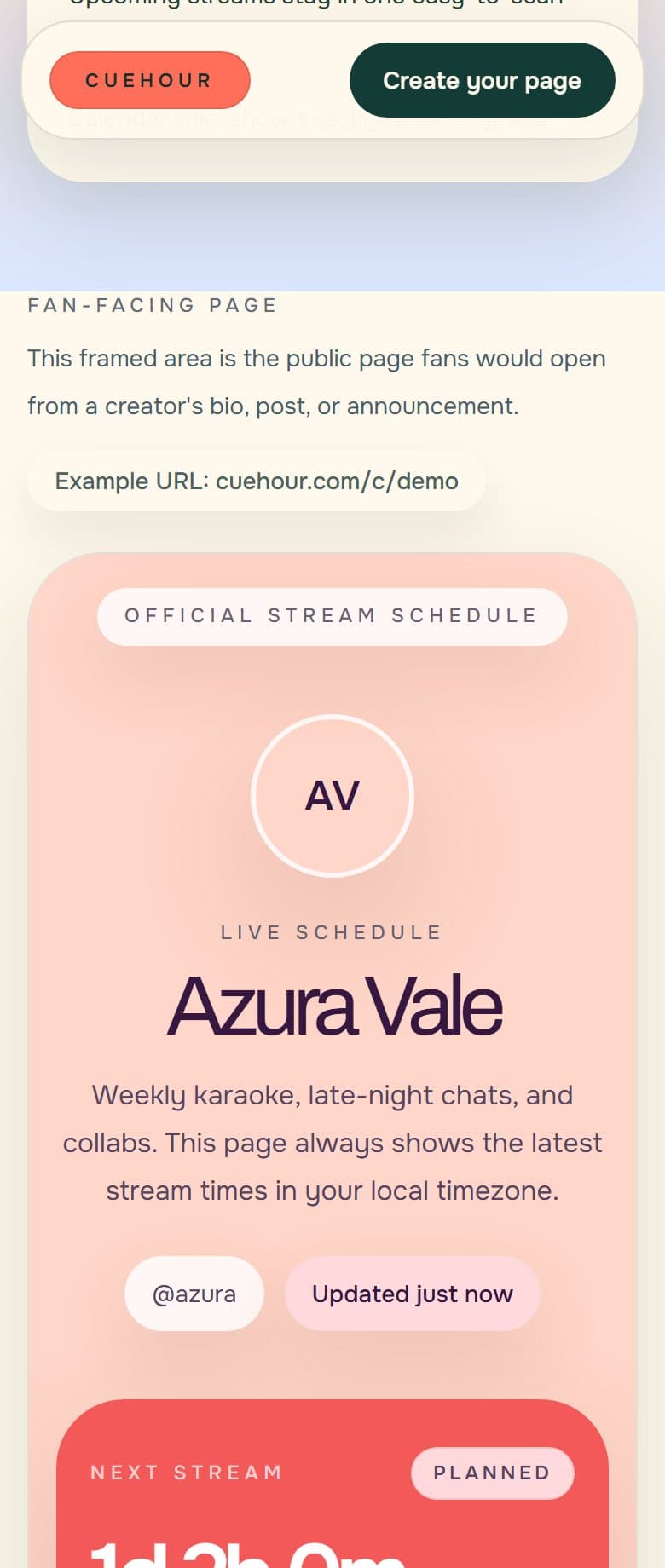
Mobile Cuehour demo schedule page showing the creator profile and next stream card

Schedule reliability

Why Weekly Schedule Images Go Stale

Weekly schedule images look good in a feed, but they break down when stream times, titles, platforms, or status change.

Pain: A schedule image freezes your plan at the moment you post it, even though stream plans often change after that.

Takeaway: Keep the image if it helps your feed, but use a live schedule page as the trusted destination fans can check later.

6 min readStreamers replacing static schedule graphics
Read guide